

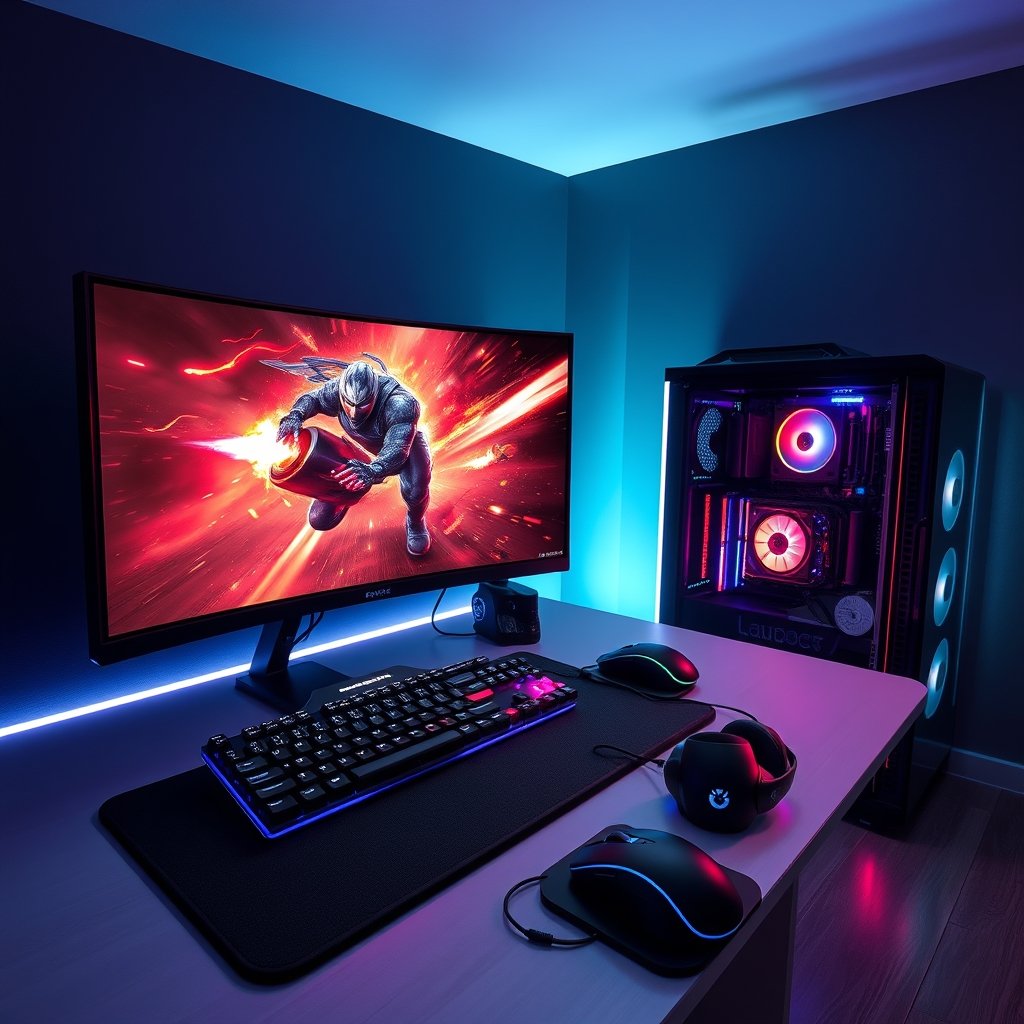
Ever felt that frustrating stutter in the middle of an intense firefight or wished your games looked as smooth as they do in trailers? You’re not alone. Every dedicated PC gamer dreams of a perfectly tuned machine, a battle station where every component works in harmony to deliver an unparalleled experience. In 2026, achieving that dream means knowing how to optimize your PC gaming setup from top to bottom, unlocking every frame and pixel your hardware is capable of producing.
Why Optimizing Your PC Gaming Setup Matters More Than Ever
The landscape of PC gaming is constantly evolving. New titles push graphical boundaries, competitive esports demand split-second responsiveness, and immersive open worlds require robust hardware. A well-optimized setup isn’t just about higher frame rates; it’s about gaining a competitive edge, enjoying breathtaking visuals without compromise, and ensuring your system is ready for the games of tomorrow. Ignoring optimization means leaving performance on the table, hindering your potential, and diminishing your overall gaming pleasure.
As games become more demanding, a few strategic tweaks and hardware choices can dramatically improve your experience. Whether you’re chasing the highest FPS in a fast-paced shooter or want to fully appreciate the stunning detail in a new RPG, getting your setup dialed in is crucial for PC gamers.
Core Hardware Optimization: The Foundation of Performance
Ensure Your System’s Heartbeat is Strong
Your CPU and GPU are the brains and brawn of your gaming PC. Keeping their drivers up-to-date is non-negotiable for optimal performance and stability. Visit the manufacturer’s website regularly for the latest versions. Beyond drivers, ensuring your CPU and GPU are well-cooled prevents thermal throttling, which can significantly reduce performance during long gaming sessions. Consider upgrading your CPU cooler if you’re experiencing high temperatures.
Boost Speed with Rapid Storage and Ample RAM
Laggy load times and in-game stutters often point to slow storage or insufficient RAM. Upgrading to a fast NVMe Solid State Drive (SSD) can drastically cut down loading screens and improve overall system responsiveness. If you’re still using a traditional HDD for your games, an SSD is one of the most impactful upgrades you can make.
Similarly, 16GB of RAM is now considered the standard for modern gaming, with 32GB becoming increasingly beneficial for enthusiasts or those who multitask while gaming. Make sure your RAM is running at its advertised speed in your BIOS settings for maximum efficiency. View cutting-edge NVMe SSDs on GamerAspect to revolutionize your loading times.
Elevate Your Visuals and Responsiveness
The Power of High Refresh Rate Monitors
A high refresh rate monitor is a game-changer, especially for competitive titles. Moving from a standard 60Hz display to 144Hz or even 240Hz provides a noticeably smoother and more responsive visual experience. This can translate directly into better aim, quicker reactions, and less eye strain during extended play. Pair it with adaptive sync technologies like FreeSync or G-Sync for tear-free gaming.
When selecting a monitor, consider resolution as well. While 4K offers incredible detail, higher refresh rates at 1080p or 1440p often provide a more competitive edge. Check price on GamerAspect for high-refresh gaming monitors that will transform your visual experience.
Fine-Tuning Graphics Settings for the Perfect Balance
Navigating in-game graphics settings can be daunting, but understanding their impact is key. Settings like ‘Texture Quality’ primarily affect VRAM usage, while ‘Shadow Quality’ and ‘Anti-Aliasing’ can be significant performance hogs. Start with your GPU’s recommended settings and then adjust based on your desired frame rate and visual fidelity.
- Texture Quality: High if you have ample VRAM (8GB+), otherwise medium.
- Shadow Quality: Often a huge FPS drain; try medium or high instead of ultra.
- Anti-Aliasing: MSAA is demanding; TAA or FXAA offer good compromises.
- View Distance: Can impact CPU and GPU; reduce slightly if in open-world games.
- Post-Processing Effects: Bloom, motion blur, depth of field can be turned off for extra FPS and clarity.
Ergonomics and Peripherals: Your Connection to the Game
An optimized setup isn’t just internal; it’s also how you interact with your PC. Your peripherals are your direct interface with the game, and a comfortable, responsive setup can make all the difference.
Precision Control with a Performance Gaming Keyboard
A quality mechanical gaming keyboard offers superior tactile feedback and responsiveness compared to membrane alternatives. Look for features like anti-ghosting, N-key rollover, and programmable macros. Different switch types (linear, tactile, clicky) cater to various preferences for typing and gaming. Ergonomics, wrist rests, and customizable RGB lighting also contribute to comfort and immersion.
For competitive play, a keyboard with a fast response time can provide a fractional but crucial advantage. View the latest mechanical gaming keyboards on GamerAspect to find your perfect match.
Immersive Audio with a Top-Tier Gaming Headset
Positional audio is critical in many games, allowing you to pinpoint enemy locations by sound alone. A high-quality gaming headset with clear audio reproduction and a crisp microphone is essential for both immersion and team communication. Look for comfortable earcups, durable construction, and features like virtual surround sound for an enhanced experience. Wireless options offer freedom of movement, while wired headsets typically provide zero latency.
Excellent sound quality not only helps you perform better but also pulls you deeper into the game world. Explore our range of immersive gaming headsets on GamerAspect to hear every detail.
Other Essential Peripherals
Don’t forget the importance of a precise gaming mouse with adjustable DPI and a high-quality sensor. A large, consistent mouse pad also provides the smooth surface needed for accurate tracking. For more tips on selecting the right mouse, check out our article on The Best Gaming Mice for FPS Games.
Software Tweaks and System Maintenance for Longevity
Beyond hardware, software optimization plays a huge role. Regularly clean up temporary files, uninstall unused programs, and defragment traditional hard drives (though not SSDs). Ensure your operating system’s game mode is enabled and check power plan settings for maximum performance.
Minimizing background applications before launching a game frees up valuable CPU and RAM resources. Tools like MSI Afterburner can help monitor your system’s performance and temperatures, allowing you to identify bottlenecks. For more ways to boost your frame rates, read our comprehensive guide on How to Improve FPS in PC Games.
Buying Advice for PC Gamers
Optimizing your PC gaming setup doesn’t always mean breaking the bank. Here’s how to approach upgrades:
- Budget-Conscious Gamer: Focus on foundational upgrades first. An SSD for your OS and main games, and ensuring you have 16GB of fast RAM, will yield the most noticeable improvements for your dollar. Prioritize a good gaming mouse and a comfortable headset.
- Mid-Range Enthusiast: After core components, look towards a high refresh rate monitor (144Hz at 1080p or 1440p) and a solid mechanical keyboard. These elevate the interactive and visual experience significantly.
- Competitive/Hardcore Gamer: Aim for the best. 240Hz+ monitors, top-tier GPUs, powerful CPUs, and premium peripherals are all on the table. Invest in advanced cooling solutions to maintain peak performance under load.
Frequently Asked Questions About PC Gaming Optimization
Q: How often should I update my GPU drivers for optimal PC gaming performance?
A: Ideally, check for new drivers every 2-4 weeks, especially before playing a new AAA title. Driver updates often include game-specific optimizations and bug fixes.
Q: What’s the most impactful upgrade for an older PC gaming setup?
A: For an older system, upgrading from an HDD to an SSD and ensuring you have at least 16GB of RAM usually offers the most significant performance boost for general responsiveness and game loading.
Q: Does a higher refresh rate monitor really make a difference in competitive PC games?
A: Absolutely. The smoother visuals and reduced input lag from a higher refresh rate monitor (e.g., 144Hz vs. 60Hz) can provide a noticeable advantage in fast-paced competitive titles, allowing for quicker reaction times and better target tracking.
Transforming your PC gaming setup from good to exceptional is an ongoing journey of informed choices and smart tweaks. By focusing on core hardware, refining your visual settings, and investing in high-quality peripherals, you create an environment where every game shines. Ready to take your gaming to the next level? Dive into the extensive selection of performance-enhancing gear and accessories available right here on GamerAspect, and build the ultimate battle station you deserve.