

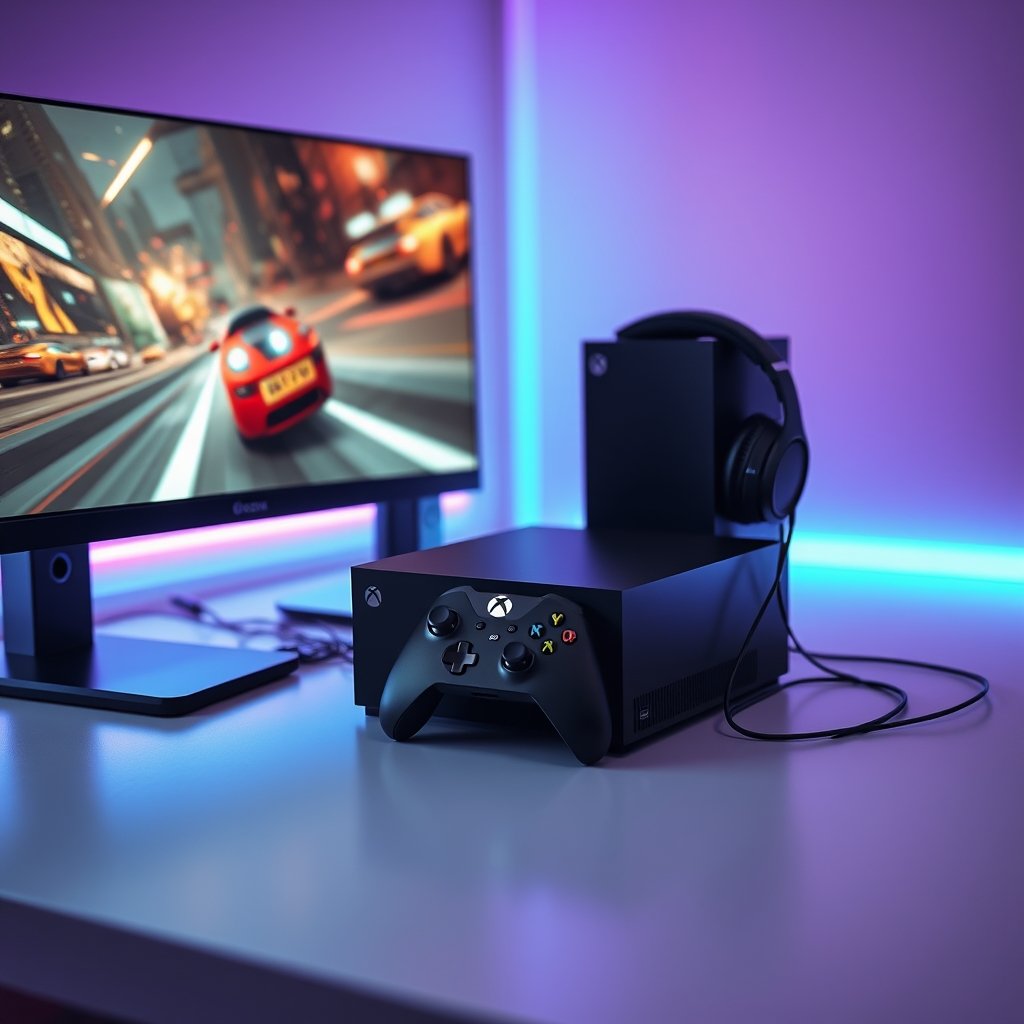
Are you tired of frustrating lag spikes, blurry visuals, or input delays holding you back from truly dominating in your favorite titles? For every dedicated Xbox gamer, achieving peak performance from their Xbox Series X|S is a constant pursuit. Whether you’re chasing every frame in a competitive shooter or simply want the smoothest, most immersive experience in a sprawling open-world adventure, optimizing your setup can make a world of difference. Let’s dive into how you can unlock the full potential of your console and elevate your gameplay.
Why Optimizing Xbox Performance Matters in 2026
The gaming landscape is more demanding than ever. Modern titles push the Xbox Series X|S to its limits, requiring high frame rates and quick response times for a truly next-gen experience. In 2026, staying competitive means ensuring every aspect of your setup is fine-tuned. From reducing input lag to achieving stable frame rates, a performance-optimized Xbox setup isn’t just a luxury; it’s a necessity for enjoying games as they were meant to be played and gaining that crucial edge in online matches.
Essential Gear for Peak Xbox Performance
While the Xbox Series X|S consoles are powerful on their own, the right accessories can significantly enhance your gaming experience. These are the components that bridge the gap between your console’s raw power and your perception of the game.
High-Refresh Rate Monitors & TVs
One of the most impactful upgrades for visual fluidity is a display that supports high refresh rates and Variable Refresh Rate (VRR). A 120Hz display, connected via HDMI 2.1, allows your Xbox Series X|S to output up to 120 frames per second in compatible games, resulting in incredibly smooth motion. VRR technology further eliminates screen tearing and stuttering, ensuring a consistently fluid picture even when frame rates fluctuate. View Xbox-compatible Monitors on GamerAspect.
Elite Controllers for Responsive Input
Precision and speed are paramount, especially in fast-paced genres. An elite-level Xbox controller can offer reduced input lag, customizable button mapping, and adjustable trigger stops, giving you finer control and quicker reactions. These controllers are built for durability and performance, allowing you to execute complex maneuvers with greater accuracy. For more on maximizing your control, consider checking out our article on Setting Up Your Xbox for Beginners.
High-Speed External Storage
While the internal SSD of the Xbox Series X|S is blazing fast, your game library can quickly outgrow it. Investing in a high-speed external NVMe SSD specifically designed for Xbox expansion allows you to store more Series X|S optimized games and experience near-instant loading times. This means less waiting and more playing, crucial for maintaining immersion. Check price on GamerAspect for Xbox Storage Solutions.
Reliable Wired Headsets
Wireless headsets offer convenience, but a high-quality wired gaming headset often provides superior audio fidelity and, critically, zero perceptible audio lag. In competitive titles, hearing every footstep or distant gunshot fractions of a second earlier can be the difference between victory and defeat. A wired connection ensures your audio is delivered instantly and clearly, providing a vital tactical advantage. Find premium Xbox Headsets on GamerAspect.
Optimizing Your Xbox Series X|S Settings
Beyond hardware, tweaking your console’s settings is crucial. Dive into the ‘TV & display options’ to ensure your resolution, refresh rate, and VRR settings are correctly configured for your display. Enable ‘Allow YCC 4:2:2’ and ‘Allow 4K’ if your TV supports it. For network performance, always prioritize a wired Ethernet connection over Wi-Fi whenever possible. A stable, low-latency connection is fundamental for online gaming.
Consider enabling ‘Instant-on’ power mode for faster startup and background updates, but occasionally perform a full shutdown or clear your console’s cache to ensure optimal performance. Regularly manage your storage, uninstalling games you no longer play to free up space and prevent potential slowdowns. These small adjustments can collectively create a much smoother gaming experience.
Real-World Impact: Smoother Gameplay, Sharper Reactions
The cumulative effect of these optimizations is profound. Imagine navigating a dense jungle in an FPS with buttery-smooth 120 FPS, where every enemy movement is clear and responsive. Picture yourself executing perfect drifts in a racing game, feeling the immediate feedback from your controller. This isn’t just about higher numbers; it’s about a more intuitive, immersive, and ultimately more enjoyable gaming experience. Reduced input lag means your actions register instantly, giving you a tangible advantage in situations where milliseconds count.
Buying Advice for Every Xbox Gamer
When upgrading, prioritize based on your biggest pain points. If visual stuttering bothers you, a high-refresh-rate monitor is a must. If you feel sluggish in competitive play, an elite controller could be your next step. Casual gamers might focus on comfort and convenience, while competitive players will prioritize every millisecond of performance. Don’t feel pressured to buy everything at once; incremental upgrades can still yield significant improvements. To explore more ways to enhance your setup, you might find value in our article on Xbox Accessories Worth Upgrading.
FAQs: Common Xbox Performance Questions
Does clearing the cache really help Xbox performance?
Yes, occasionally clearing your Xbox’s cache can resolve minor glitches, improve system responsiveness, and free up temporary storage, leading to smoother gameplay.
Is a wired internet connection essential for competitive Xbox gaming?
While not strictly ‘essential’ for all gaming, a wired Ethernet connection provides a significantly more stable and lower-latency connection than Wi-Fi, making it highly recommended for competitive online play to minimize lag and disconnections.
What is VRR and how does it improve my Xbox experience?
VRR (Variable Refresh Rate) allows your display to dynamically adjust its refresh rate to match the frame rate output by your Xbox. This eliminates screen tearing and reduces stuttering, resulting in a much smoother and more fluid visual experience, especially in games with fluctuating frame rates.
Unlocking your Xbox Series X|S’s full potential is an ongoing journey, but with the right gear and optimized settings, you’ll transform your gaming sessions. Don’t settle for anything less than the best experience your console can offer. Explore the full range of performance-enhancing Xbox accessories and components available right here on GamerAspect to elevate your game today.