

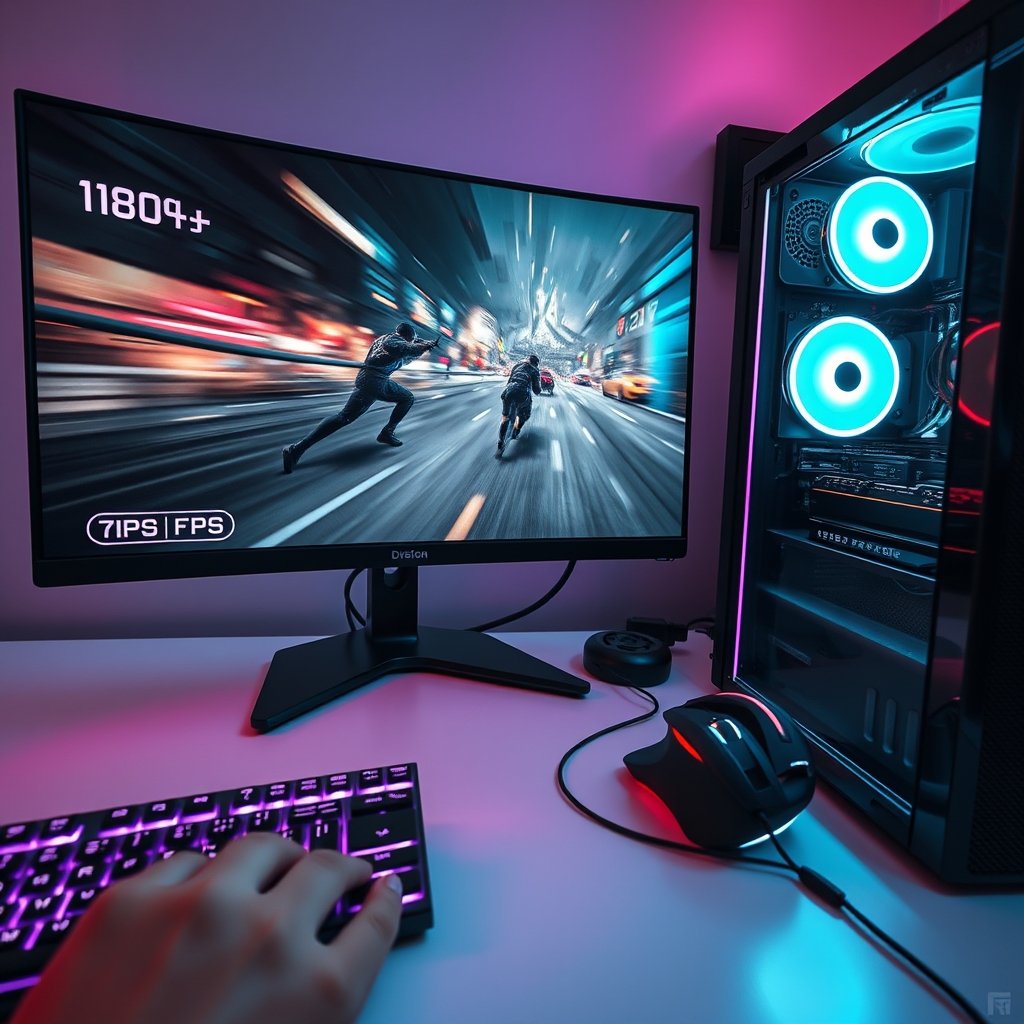
Ever felt that gut-wrenching stutter in a crucial moment, or watched your frame rate dip just as you were about to clutch a win? You’re not alone. For every dedicated PC gamer, maximizing Frames Per Second (FPS) isn’t just about bragging rights; it’s about gaining a competitive edge, enjoying smoother gameplay, and experiencing your favorite titles as the developers intended. In 2026, with games pushing graphical boundaries more than ever, knowing how to truly improve FPS in PC games is essential for a top-tier gaming experience.
Why FPS Optimization Matters for PC Gamers in 2026
The landscape of PC gaming is constantly evolving, with new hardware and graphically intensive titles emerging year after year. A higher frame rate translates directly into a more responsive, fluid, and immersive gaming session. In fast-paced competitive games, even a few extra frames can mean the difference between seeing your opponent first and being outmaneuvered. For single-player epics, a stable, high FPS ensures every breathtaking vista and explosive action sequence is rendered with cinematic smoothness, free from distracting choppiness.
Beyond the immediate benefits, optimizing your frame rate extends the life and relevance of your current gaming rig. Instead of constantly chasing the latest and greatest hardware, smart optimization allows you to squeeze every last drop of performance from your existing components, keeping your setup competitive for longer.
Essential Software Tweaks for Boosting Your Frame Rate
Before you even think about hardware, there are numerous software adjustments that can dramatically impact your PC gaming performance. These are often the easiest and most cost-effective ways to boost your FPS.
Keep Your Drivers Up-to-Date
Your graphics card drivers are the bridge between your GPU and your games. NVIDIA, AMD, and Intel frequently release optimized drivers specifically for new game launches or performance improvements. Always ensure you’re running the latest stable version. Regularly checking for updates can unlock significant frame rate increases and resolve pesky performance issues.
Disable Background Applications
Every program running in the background consumes precious CPU cycles and RAM, resources your game desperately needs. Before launching a demanding title, close unnecessary browser tabs, messaging apps, and any other non-essential software. Windows’ Task Manager (Ctrl+Shift+Esc) is your best friend here, allowing you to identify and terminate resource-hogging processes.
Leverage Windows Game Mode and Graphics Settings
Windows offers a ‘Game Mode’ designed to prioritize your game’s performance by suspending background activities and updates. Navigate to ‘Settings > Gaming > Game Mode’ to ensure it’s enabled. Additionally, within Windows’ graphics settings, you can manually set specific games to use your dedicated graphics card and prioritize their performance.
Mastering In-Game Settings for Optimal FPS
The settings menu within your games is a treasure trove of FPS potential. Understanding what each option does can help you strike the perfect balance between visual fidelity and performance.
Prioritize Key Graphics Settings
Not all graphics settings impact FPS equally. Shadows, anti-aliasing, and global illumination often have the biggest performance cost. Experiment with lowering these first. Texture quality, while important, usually depends more on VRAM than raw processing power, so it might be less impactful on FPS unless your VRAM is maxed out.
Adjust Resolution and Scaling
Running a game at a lower resolution than your monitor’s native resolution will significantly boost FPS. If you want to maintain a sharp image, consider using in-game resolution scaling options (like NVIDIA DLSS or AMD FSR) if available. These technologies render the game at a lower resolution internally and then upscale it using AI, often providing a near-native visual quality with a substantial FPS gain.
Hardware Considerations for Consistent High FPS
While software tweaks are powerful, your hardware forms the foundation of your gaming performance. Ensuring your components are up to snuff, or considering strategic upgrades, can solidify your high frame rates.
Upgrade Your RAM
Insufficient or slow RAM can bottleneck even the most powerful CPU and GPU. For modern gaming, 16GB of high-speed RAM is generally the sweet spot, with 32GB becoming increasingly beneficial for demanding titles and multitasking. A high-speed RAM kit can provide a noticeable bump in overall system responsiveness and minimum FPS.
Invest in an NVMe SSD
While an SSD won’t directly improve your in-game FPS, it drastically reduces load times and can prevent stutters caused by texture streaming from a slow hard drive. Moving your operating system and frequently played games to a blazing-fast NVMe SSD makes a significant difference in the overall fluidity of your PC gaming experience.
Consider a High-Refresh Rate Monitor
What good is 120+ FPS if your monitor can only display 60 frames per second? To truly appreciate your optimized frame rates, an ultrafast gaming monitor with a refresh rate of 144Hz, 240Hz, or even higher is crucial. These monitors synchronize with your GPU to display more frames, resulting in incredibly smooth motion and reduced input lag.
Real-World PC Gaming Performance & Use Cases
Applying these strategies can transform your gaming experience across various genres. Imagine playing a competitive shooter like Valorant or CS2 where every peek and shot feels instantaneous thanks to consistently high frame rates, giving you a tangible advantage. In open-world RPGs like Cyberpunk 2077 or Starfield, optimizing settings means enjoying the stunning environments without jarring stutters during intense combat or fast travel.
For those looking to push their setup further, exploring advanced topics like optimizing your entire PC gaming setup can yield even greater gains. Understanding how all your components work together is key to unlocking peak performance.
Pros and Cons of FPS-Focused Optimization
Pros:
- Competitive Advantage: Smoother gameplay leads to better reaction times and more consistent aim.
- Enhanced Immersion: Fluid visuals draw you deeper into the game world.
- Extended Hardware Lifespan: Get more mileage out of your current components.
- Cost-Effective: Many optimizations are free software tweaks.
Cons:
- Visual Fidelity Trade-offs: Lowering settings might reduce graphical detail.
- Time Investment: Experimenting with settings can be time-consuming.
- Diminishing Returns: Beyond a certain point, further optimization yields minimal benefits without hardware upgrades.
Buying Advice for PC Gamers: Budget to Competitive
If you’re on a tight budget, start with the free software optimizations and in-game settings adjustments. These often provide the biggest bang for your buck. For those with a bit more to spend, upgrading to a faster NVMe SSD or a high-speed RAM kit offers excellent value for improving overall system responsiveness and minimizing stutters.
Competitive gamers serious about gaining every advantage should prioritize a high-refresh-rate monitor to truly see and utilize those extra frames. Paired with an optimized system and a precision PC gaming mouse, you’ll be well-equipped for top-tier play. Remember, a comprehensive approach to your gaming environment, including components for ultimate gaming immersion, contributes to the overall experience.
FAQs About Boosting Your PC Gaming FPS
Q: Will overclocking my CPU or GPU significantly improve FPS?
A: Overclocking can provide a modest FPS boost, but it requires careful monitoring and can potentially reduce component lifespan or stability if not done correctly. It’s an advanced optimization best approached after exhausting other options.
Q: How do I know what my current FPS is in a game?
A: Many games have a built-in FPS counter that can be enabled in their settings. Alternatively, software like NVIDIA GeForce Experience, AMD Radeon Software, or utilities like MSI Afterburner can display real-time FPS overlays.
Q: Is there an ideal FPS target for gaming?
A: For casual gaming, 60 FPS is generally considered smooth. For competitive play, 120 FPS or higher is preferred, especially when paired with a high-refresh-rate monitor. The ‘ideal’ target often depends on your monitor’s refresh rate and personal preference.
Q: Can my internet connection affect my FPS?
A: Directly, no. Your internet connection affects latency (ping) in online games, but not your frame rate. However, a poor connection can cause lag spikes that might feel similar to FPS drops, so ensure a stable connection for online play.
Achieving consistently high FPS in your favorite PC games is a journey of continuous optimization and smart hardware choices. By implementing these strategies, from diligent software tweaks to targeted hardware upgrades, you’ll unlock a smoother, more responsive, and ultimately more enjoyable gaming experience. Don’t let a stutter hold you back from victory or immersion; take control of your frame rates today. Explore the latest high-performance components and peripherals on GamerAspect to elevate your game even further and conquer any digital battlefield that awaits.