

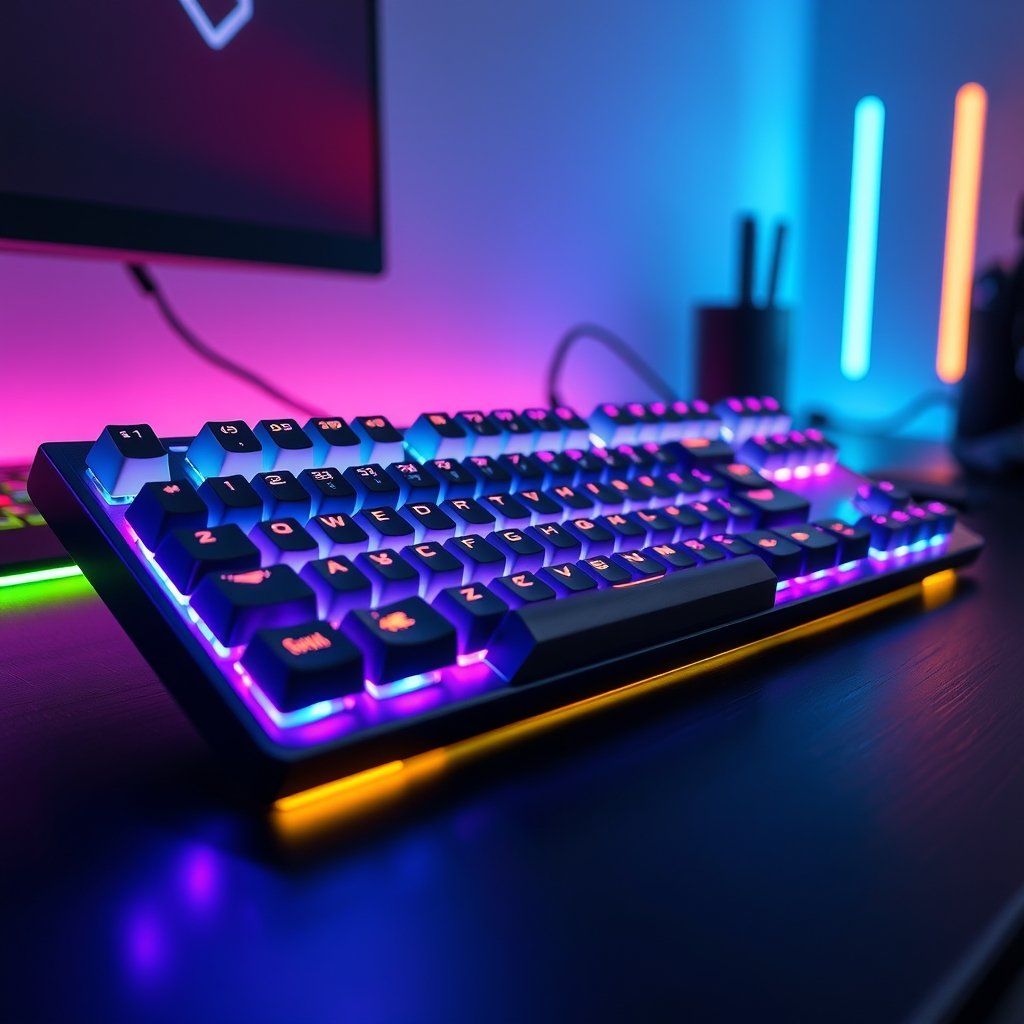
In the fast-paced world of PC gaming, every millisecond counts. While a powerful GPU and a responsive monitor often grab the headlines, the unsung hero of your battlestation is often overlooked: your keyboard. For serious players, a high-performance keyboard isn’t just a peripheral; it’s a direct extension of your will, translating every tactical decision into immediate in-game action. Choosing the best keyboards for PC gaming performance can genuinely elevate your gameplay, offering the precision, speed, and comfort needed to dominate the competition in 2026’s most demanding titles.
Why Your Keyboard is Crucial for 2026 PC Gaming Success
Modern PC games are more intricate and competitive than ever before. From lightning-fast twitch shooters to complex real-time strategies, the demands on your input devices are immense. A subpar keyboard can introduce input lag, missed keystrokes, or even discomfort during extended sessions, costing you crucial moments and impacting your overall performance. Investing in a quality gaming keyboard ensures rapid response times, reliable actuation, and customizable controls that can give you a significant edge.
Furthermore, the ergonomic design and durability of a dedicated gaming keyboard mean you can maintain peak performance for longer, reducing fatigue and preventing wear-and-tear issues that plague standard office keyboards. As games become more immersive and competitive, having a reliable and responsive input device becomes non-negotiable for any serious gamer.
Top Picks: Keyboards for Unrivaled PC Gaming Performance
Let’s dive into some of the top categories of keyboards designed to give you an edge, all available on GamerAspect. These selections focus on different aspects of performance, ensuring there’s a perfect match for your playstyle.
The Mechanical Marvel: Precision and Tactile Feedback
For many, mechanical keyboards are the gold standard for PC gaming. They offer distinct tactile feedback and audible clicks (or silent linear presses) that confirm every keystroke, enhancing accuracy and confidence. These keyboards are built to last, with switches rated for millions of presses.
- Key Features & Specifications: Durable mechanical switches (e.g., linear for speed, tactile for feedback), full N-key rollover, anti-ghosting, customizable RGB backlighting, dedicated media controls, robust aluminum top plate.
- Real-World PC Gaming Performance: Ideal for fast-paced FPS games where precise movement and rapid ability activation are key. Excellent for competitive MOBA players who rely on accurate spell casting. The satisfying feedback helps reduce errors.
- Pros: Superior durability, satisfying tactile/audible feedback, highly responsive, extensive customization options.
- Cons: Can be louder than other types, generally heavier.
Ready to feel the difference? View Mechanical Keyboards on GamerAspect.
The Optical Speed Demon: Unmatched Responsiveness
Optical keyboards take responsiveness to the next level by using light to register keystrokes instead of physical contact. This eliminates debounce delay, resulting in near-instantaneous actuation, which can be critical in high-stakes competitive scenarios.
- Key Features & Specifications: Optical-mechanical switches for near-zero debounce, ultra-fast actuation point, compact tenkeyless (TKL) design for more mouse space, detachable USB-C cable, onboard memory for profiles.
- Real-World PC Gaming Performance: Perfect for professional esports players and anyone seeking the absolute fastest input. Excels in games requiring lightning-quick reactions like fighting games or competitive shooters.
- Pros: Extremely fast actuation, highly durable due to fewer moving parts, often water-resistant.
- Cons: Less variety in switch feel compared to traditional mechanicals, typically higher price point.
Experience the speed: Check Optical Keyboard Prices on GamerAspect.
The Feature-Rich Wireless Warrior: Freedom and Functionality
Wireless gaming keyboards have come a long way, now offering latency-free performance comparable to their wired counterparts, combined with the convenience of a cable-free setup. These often include advanced features for ultimate versatility.
- Key Features & Specifications: Low-latency 2.4GHz wireless connectivity, long battery life (50+ hours), comfortable magnetic wrist rest, macro-programmable keys, dedicated volume roller, pass-through USB port.
- Real-World PC Gaming Performance: Great for gamers who value a clean desk setup and want the flexibility to game from various positions. Excellent for strategy games and RPGs where macros can streamline complex commands, without sacrificing responsiveness for competitive play.
- Pros: Clutter-free setup, versatile use, often packed with extra features, comfortable for long sessions.
- Cons: Requires charging, potentially heavier due to battery.
Unleash your setup: Explore Wireless Gaming Keyboards on GamerAspect.
Choosing Your Perfect PC Gaming Keyboard
Selecting the right keyboard involves more than just picking a cool design. Consider these factors to ensure it aligns with your gaming habits and preferences.
Understanding Switch Types
The switches under your keycaps dictate the feel and sound of your keyboard. Linear switches (like Red) offer smooth, consistent travel, ideal for rapid double-taps. Tactile switches (like Brown) provide a noticeable bump, great for typing and ensuring actuation. Clicky switches (like Blue) add an audible click for definitive feedback. Optical switches, as discussed, offer unparalleled speed.
Form Factor and Layout
Keyboards come in various sizes. Full-size keyboards include a numpad, useful for productivity or specific game genres. Tenkeyless (TKL) boards omit the numpad, saving desk space and allowing for a more natural mouse position. 60% keyboards are even more compact, sacrificing function row and arrow keys for maximum desk real estate, favored by many competitive players for portability and minimal footprint.
Wired vs. Wireless Connectivity
While wireless technology has advanced, a wired connection still offers absolute peace of mind with zero latency concerns and no battery management. However, modern 2.4GHz wireless options are virtually indistinguishable in performance for most gamers and offer the benefit of a cleaner setup.
Customization and Software
Look for keyboards with robust software that allows for key remapping, macro creation, and intricate RGB lighting effects. The ability to save profiles for different games or applications can significantly enhance your gaming experience and efficiency.
Buying Advice for Every PC Gamer
Whether you’re just starting your journey into PC gaming or you’re a seasoned veteran, there’s a keyboard designed for your needs and budget.
Budget-Conscious Gamers
You don’t need to break the bank for a solid gaming experience. Look for entry-level mechanical keyboards with reliable switches and essential anti-ghosting features. Focus on performance fundamentals rather than extensive RGB or wireless capabilities. These provide a significant upgrade over membrane keyboards without a hefty price tag.
Mainstream Enthusiasts
For those looking for a balance of features, performance, and value, consider mid-range mechanical or optical keyboards. These often include per-key RGB lighting, dedicated media controls, and durable build quality. They offer a fantastic blend of responsiveness and creature comforts for prolonged gaming sessions.
Competitive Pros and Hardcore Players
If every fraction of a second matters, prioritize keyboards with the fastest actuation, robust build quality, and minimal form factors (like TKL or 60%). Optical switches or high-speed linear mechanical switches are paramount. Look for advanced features like customizable actuation points and sophisticated macro programming to fine-tune your competitive edge. Pairing this with a top-tier PC gaming mouse and an optimized PC gaming setup ensures you’re ready for any challenge.
FAQs About PC Gaming Keyboards
Are mechanical keyboards really better for gaming?
Yes, in most cases. Mechanical keyboards offer superior tactile feedback, faster actuation, greater durability, and N-key rollover, which are all significant advantages over membrane keyboards for gaming performance and accuracy.
What’s the best switch type for FPS games?
For FPS games, many competitive players prefer linear switches (like Cherry MX Red or Speed Silver) or optical switches due to their smooth, consistent travel and rapid actuation, allowing for quick double-taps and immediate responses. However, personal preference plays a big role.
Is wireless input lag an issue for gaming keyboards?
Modern high-performance wireless gaming keyboards utilize advanced 2.4GHz technology that delivers virtually imperceptible latency, often on par with wired connections. For the vast majority of gamers, wireless input lag is no longer a significant concern.
Do I need a full-size keyboard for gaming?
Not necessarily. While a full-size keyboard offers a numpad, many gamers, especially those in competitive FPS or MOBA titles, prefer tenkeyless (TKL) or even 60% keyboards. These smaller form factors provide more desk space for mouse movement, which can be crucial for low-DPI aiming. For ultimate immersion, don’t forget to check out our guide on the best headsets for PC gaming.
Choosing the right keyboard is a critical step in building a truly formidable PC gaming setup. The precision, speed, and comfort offered by a high-quality gaming keyboard can significantly impact your performance and enjoyment across all genres. Don’t underestimate the power of a responsive and reliable input device; it’s the foundation upon which your victories are built. Explore the extensive range of gaming keyboards on GamerAspect today and find the perfect match to unlock your full potential.