

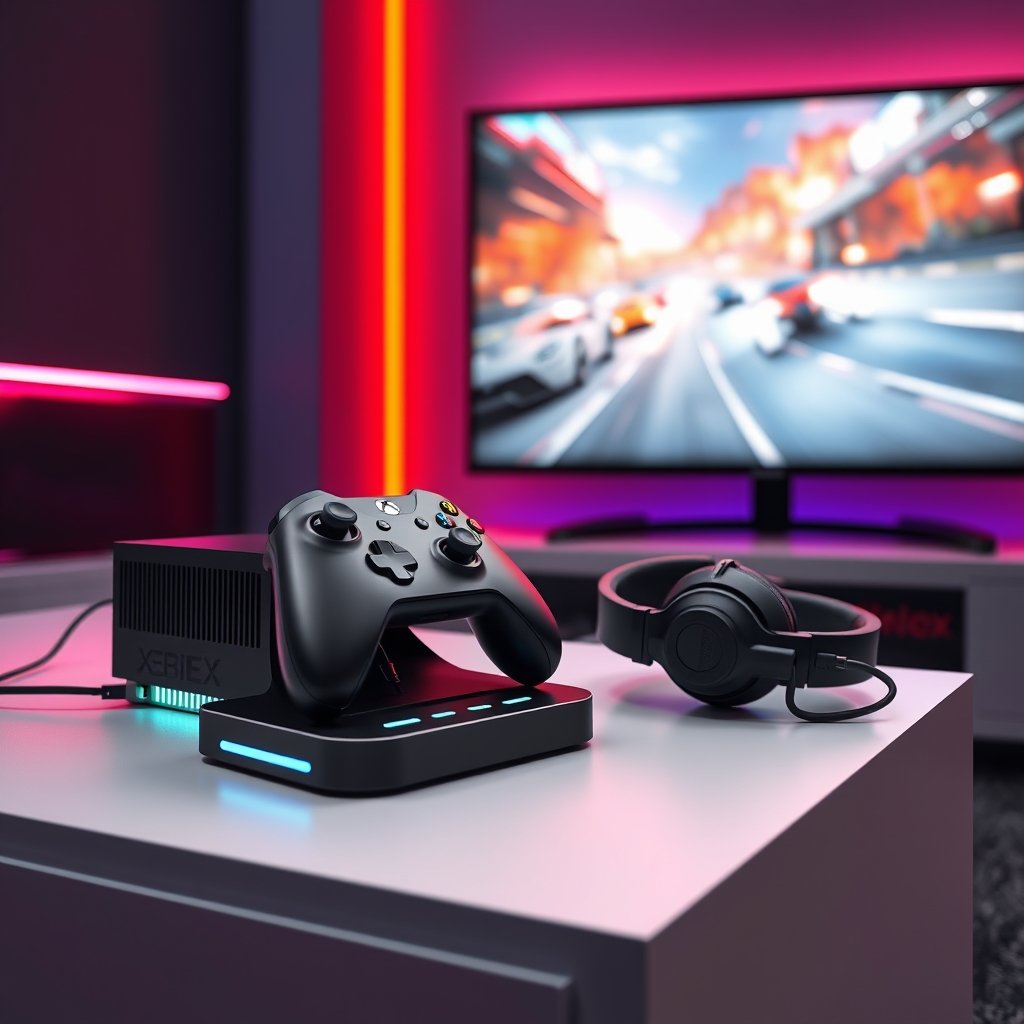
Stepping into the thrilling world of Xbox gaming can feel a bit overwhelming, especially with the Xbox Series X and Series S offering such incredible power and features. Whether you’ve just unboxed your first console or you’re looking to refine your current setup, getting your Xbox gaming setup just right is crucial for an immersive and enjoyable experience. This guide will walk you through everything a beginner needs to know, ensuring you’re ready to dive into your favorite titles with confidence and optimal performance.
A well-optimized setup isn’t just about plugging in your console; it’s about creating an environment that maximizes your gameplay, comfort, and audio-visual fidelity. From the moment you power on your console to the intensity of your longest gaming sessions, every component plays a vital role. Let’s make sure your journey into the Xbox universe starts on the strongest possible footing.
Why Your Xbox Gaming Setup Matters in 2026
The gaming landscape is constantly evolving, and by 2026, the demand for seamless, high-fidelity experiences on Xbox Series X|S will be higher than ever. With games pushing graphical boundaries and offering intricate online multiplayer, a robust setup ensures you’re not just playing, but truly competing and immersing yourself. Optimal display settings, responsive controllers, and clear audio are no longer luxuries but necessities for anyone serious about getting the most out of their Xbox. Lag, visual tearing, or poor audio can turn a potentially epic gaming moment into a frustrating one, highlighting why investing a little time into your initial setup pays massive dividends.
Beyond performance, comfort and ergonomics are key to long-term gaming enjoyment. A well-considered setup reduces fatigue, allowing for longer, more focused play sessions. This guide helps you lay the groundwork for a future-proof gaming station that’s ready for whatever the next generation of Xbox titles throws your way.
Essential Xbox Products for a Stellar Beginner Setup
To kickstart your Xbox adventure, you’ll want to ensure you have the right gear. These recommendations focus on core components that deliver a solid foundation for any new Xbox gamer.
Xbox Wireless Controller (Standard Edition)
The controller is your primary interface with the game world, and the official Xbox Wireless Controller sets the standard for comfort and responsiveness. It’s designed for intuitive control and durable performance.
- Key Features & Compatibility: Ergonomic design, textured grips, hybrid D-pad, dedicated Share button. Compatible with Xbox Series X|S, Xbox One, Windows PC, Android, and iOS.
- Real-World Xbox Gaming Performance: Delivers precise input for all game genres, from fast-paced shooters to intricate RPGs. Haptic feedback enhances immersion.
- Pros: Excellent build quality, universal compatibility, comfortable for extended sessions.
- Cons: Uses AA batteries (rechargeable battery pack sold separately).
- Buying Advice: An absolute must-have. Start with one, consider a second for local multiplayer. View on GamerAspect
GamerAspect Basic Gaming Headset for Xbox
Clear audio is critical for immersion and competitive advantage. A good headset allows you to hear footsteps, environmental cues, and communicate clearly with teammates.
- Key Features & Compatibility: Over-ear design, clear microphone, 3.5mm jack for direct connection to Xbox controller. Compatible with Xbox Series X|S, Xbox One, PC, and mobile devices.
- Real-World Xbox Gaming Performance: Provides crisp game audio and chat clarity, essential for multiplayer games. Comfortable earcups reduce pressure during long sessions.
- Pros: Affordable entry point, decent sound quality, plug-and-play simplicity.
- Cons: Lacks advanced features like spatial audio or wireless connectivity (explore advanced Xbox headsets for those).
- Buying Advice: An excellent starting point for any new gamer. An immediate upgrade over TV speakers for a more personal experience. Check price on GamerAspect
Xbox Controller Charging Station
Keep your controllers powered up and ready to go without constantly swapping AA batteries.
- Key Features & Compatibility: Dual charging slots, LED indicators for charging status. Compatible with official Xbox Wireless Controllers (Series X|S, Xbox One).
- Real-World Xbox Gaming Performance: Eliminates downtime due to dead batteries, always ensures a charged controller is available.
- Pros: Convenient, tidy, cost-effective in the long run compared to disposable batteries.
- Cons: Requires an available USB port for power.
- Buying Advice: A quality-of-life upgrade that quickly becomes indispensable. Find out more on GamerAspect
Optimizing Your Display and Audio Settings
Once your physical setup is in place, dive into your Xbox settings. For display, ensure your console is connected via HDMI 2.1 (if your TV supports it) to unlock 4K resolution and 120Hz refresh rates. Calibrate your TV’s picture settings for game mode, reducing input lag. For audio, verify your headset is detected and explore options like Dolby Atmos or DTS Headphone:X if your headset supports them for enhanced spatial awareness.
Remember, a great precision controller can further elevate your gameplay, but starting with the right display and audio foundation is paramount for every beginner.
FAQs for New Xbox Gamers
Q: What’s the first thing I should do after unboxing my Xbox Series X|S?
A: Connect it to your TV with the included HDMI cable, plug in the power, and connect to your Wi-Fi or Ethernet. Then, download the Xbox app on your phone to streamline the initial setup and game downloads.
Q: Do I need an Xbox Game Pass subscription right away?
A: While not strictly required, Xbox Game Pass offers incredible value, giving you access to hundreds of games from day one. It’s highly recommended for new players to build their game library quickly.
Q: How can I improve my Xbox’s performance?
A: Ensure good ventilation around your console, keep its software updated, and consider a wired internet connection for online gaming. Regularly clear your cache and manage storage to keep things running smoothly.
Q: What’s the difference between Xbox Series X and Series S for a beginner?
A: The Series X is more powerful, offering native 4K gaming and a disc drive. The Series S is more affordable, all-digital, and targets 1440p gaming. Both offer next-gen speed and features, but the X is for those prioritizing ultimate visual fidelity and physical media.
Your Journey Starts Now
Building a solid Xbox gaming setup doesn’t have to be complicated. By focusing on these essential components and understanding how to optimize your settings, you’re not just setting up a console; you’re crafting an experience. Each piece of gear, from your controller to your headset, contributes to how deeply you connect with the games you play. Take these steps, explore the vast library of Xbox titles, and prepare for countless hours of entertainment. Visit GamerAspect.com today to find all the Xbox accessories you need to begin your ultimate gaming adventure!